


A WooCommerce crawl audit can uncover duplicate URLs, conflicting structured data, and pages that search engines struggle to reach. The hard part is deciding which findings matter, what should change in the store, and how to confirm the fix worked. A long spreadsheet of warnings is not an implementation plan.
A useful process turns each finding into a clear issue, an assigned store change, and a verification step. That helps store owners and developers focus on problems that affect important products and categories, rather than spending time cleaning up every crawler warning. It also gives a woocommerce seo agency a practical way to connect technical work with visibility and measurable business goals, without promising a particular ranking or revenue outcome.
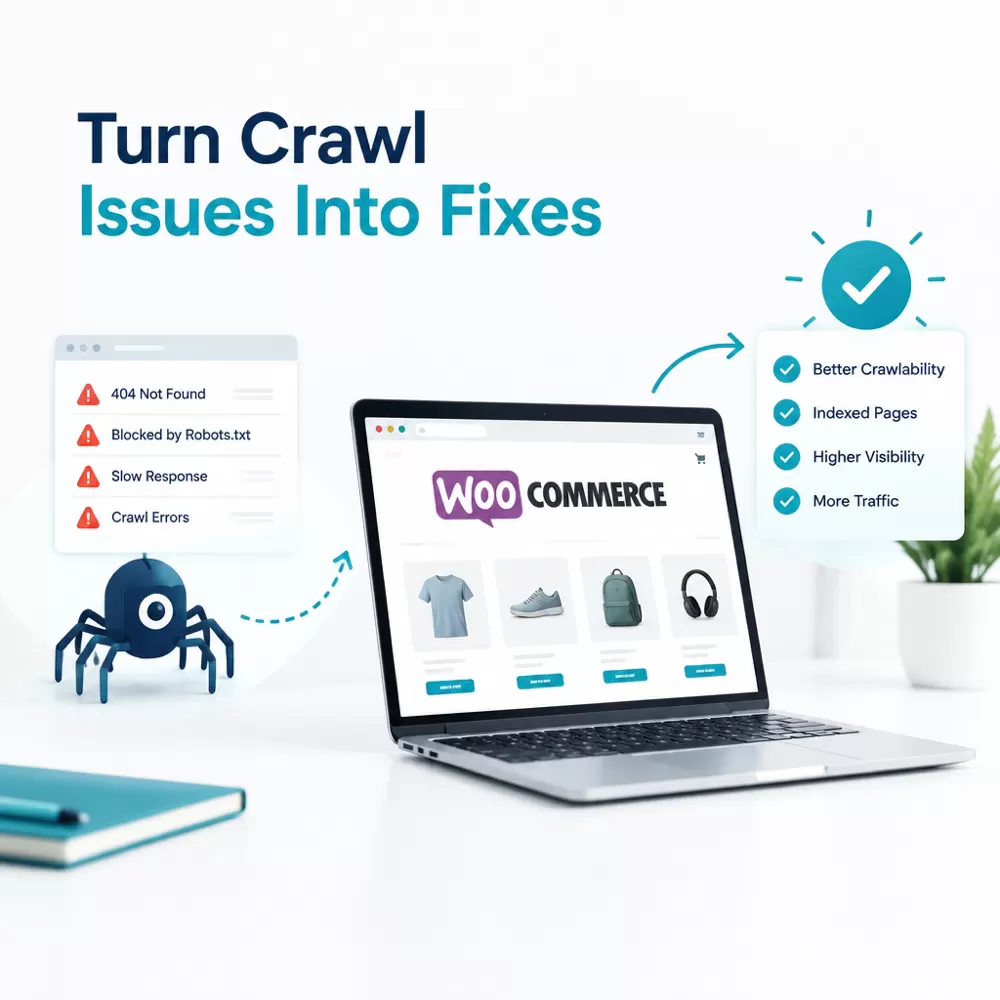
Start by translating the crawler’s label into a page-level problem. “Duplicate page” is not enough to guide a developer. Identify the affected URL pattern, how the URLs are generated, which pages matter to shoppers, and what a search engine currently sees. For example, a crawl may find many URLs for one product because a filter or variation adds parameters to the address. That does not automatically mean every URL needs to be removed.
Next, group related findings and assess their likely impact. A problem affecting the main product template deserves more attention than an isolated warning on an old, low-value page. A simple issue record can keep decisions clear:
This triage step prevents a common mistake: treating every crawl alert as an urgent technical defect. Some findings are expected behavior, and others need a business decision before implementation. A filter URL, for instance, may be useful to shoppers but not worth indexing as a separate landing page. The right handling depends on whether it serves a distinct search need, whether it has useful inventory, and how the store creates and links to it.
Product variation URLs need to be reviewed in the context of the store’s setup. A variable product may use one parent product page, while a theme, extension, or custom configuration can expose selected options through URL parameters. First check whether these addresses show substantially different content, whether they are internally linked, and whether search engines have indexed them. If the options are simply selections on one product page, the implementation may need to consolidate signals around the parent URL. If a variation has distinct inventory, content, or search demand, a separate indexable page might deserve consideration instead. Avoid changing URL behavior before checking how shoppers use it and how the catalog is maintained.
Filter-generated URLs require similar care. Faceted navigation lets shoppers narrow products by size, color, price, or other attributes, but combinations can create a large number of crawlable addresses. Decide which combinations offer useful, stable landing pages and which are just navigation states. Then choose controls that match the decision, such as limiting internal links to low-value combinations or setting appropriate canonical and indexing directives. A canonical tag suggests a preferred version, while a noindex directive asks search engines not to index a page. Neither should be applied sitewide without checking the pages it affects. Blocking URLs in robots.txt can also prevent crawlers from seeing page-level directives, so it is not a substitute for a considered indexing plan.
Conflicting schema output often comes from multiple sources, such as a theme and one or more extensions adding structured data to the same page. Inspect both the source and rendered product page to identify which component emits each markup block. Check that product details such as price, availability, and product identity match what shoppers can see. Then coordinate with the developer or extension owner to remove or adjust the duplicate output. Do not strip all schema just because a testing tool reports a conflict. After the change, test representative product and category templates, and recheck the rendered markup. Structured data can help search engines interpret page information, but it does not guarantee enhanced search displays.
For each fix, record the affected templates and sample URLs before work begins. Make the change in a staging environment when possible, especially if it affects permalinks, indexation, or shared product templates. Confirm that filters still work for shoppers, product options remain usable, and important pages still return the expected status code. A technically clean crawl is useful only if the store continues to function.
Store owners should look for a partner that explains findings in terms of pages, risk, implementation, and measurement. Ask how the team distinguishes a crawler warning from a problem that affects search access or customer experience. Ask who will coordinate changes in the WooCommerce setup, how staging and approvals work, and what evidence will appear in the closeout report. If an agency recommends changing canonicals, indexing directives, or URL rules, it should be able to explain which templates and URL groups are included.
SEO Deep Insights describes its WooCommerce service as covering SEO, Answer Engine Optimization (AEO), and Generative Engine Optimization (GEO), alongside technical fixes, local visibility, content, ethical link building, and reporting tied to leads and revenue. For a store that needs help moving from audit to implementation, its woocommerce seo agency service page is a useful place to review that scope. During a conversation, confirm which parts apply to your store and what access or developer support the work requires. Service descriptions are a starting point, not a substitute for a specific plan.
After implementation, verify the outcome with a repeatable check. Crawl a sample of affected URLs and compare status codes, canonical tags, index directives, internal links, and schema against the intended behavior. Use Google Search Console to review indexing and enhancement reports where relevant, but allow for reporting delays and remember that a crawl tool and Google may see pages differently. Track whether the targeted URL patterns change over time, then monitor important product and category pages for unintended effects.
A practical next step is to select the three findings with the clearest impact on valuable pages. For each, document the affected URL pattern, the desired behavior, the person responsible, and the test that will confirm the change. If the issue crosses theme, extension, and SEO settings, involve a specialist before editing production templates. That gives the store team a controlled path from crawl evidence to a verified fix, while keeping the focus on shoppers and useful organic visibility.
| No comments yet. Be the first. |
